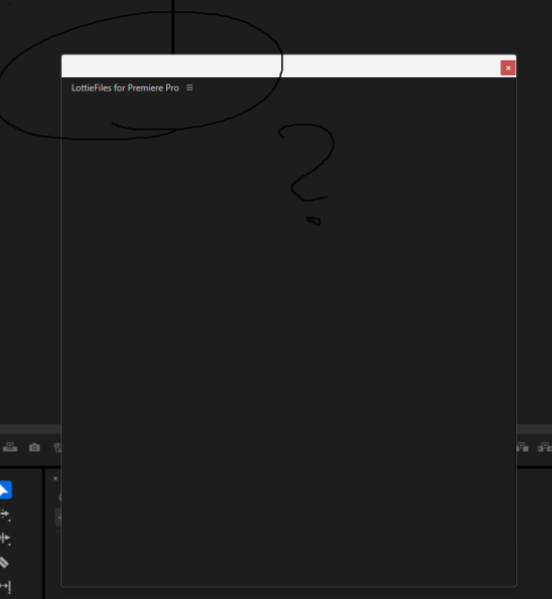
Hi, I installed Lottie for free, but I don’t get the login screen.
What’s going on?
I am experiencing a critical issue where the LottieFiles plugin panel displays a persistent black screen in Adobe Premiere Pro 2025 on Windows. Nothing loads on the panel interface.
Symptoms:
-
Initially, the panel flickered between navy and black screens.
-
Currently, it stays as a static black screen (Blank).
-
Other Adobe extensions and plugins work perfectly fine.
I have already tried the following troubleshooting steps, but none of them worked:
-
Reinstallation:
-
Uninstalled and reinstalled the LottieFiles plugin multiple times.
-
Reinstalled Premiere Pro (Tested on both v2025 and downgraded to v24.6.8).
-
-
Rendering Settings:
- Changed Project Settings > General > Renderer to “Mercury Playback Engine Software Only”.
-
Cache & Credentials:
-
Cleared
C:\Users\[User]\AppData\Local\Temp(Deleted all Adobe/CEP related files). -
Cleared
cep_cachefolder. -
Removed Adobe-related credentials from Windows Credential Manager.
-
-
Registry Settings (Important):
- Verified that
PlayerDebugModeis set to1inHKEY_CURRENT_USER\Software\Adobe\CSXS.x(Checked for all versions).
- Verified that
I have attached a screenshot of the issue. Please advise on how to resolve this.
System Info:
-
OS: Windows 11
-
App: Adobe Premiere Pro 2025